
Some preliminary notes on: > How to Link the New Post Issue to H2G2
1. Move Delete X
Move contents of Delete 2 to the designated Post page (see archive). Update contents of designated Post page.
2. Copy A-Number
Copy new A-Number.
3. Don't do this
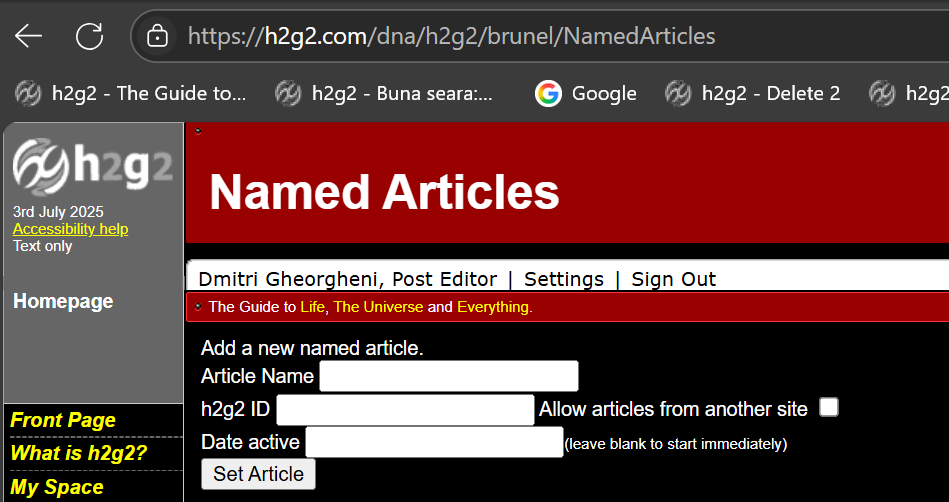
Go here: NamedArticles 
4. Set Article
Put in Article Name: ThePost h2g2 ID: A-number Date active: leave blank Click on 'Set Article'.
5. Go find error(s)
NEW POST PAGE will appear if you click on 'The Post'.
h2g2 - The h2g2 Post 30.06.25 - Current Post page
h2g2 - The h2g2 Post 07.07.25 - Will become Post page on Sunday.
End
> PPS: When I learned how to do this, I was WARNED never to discuss it on Hootoo because ANYBODY CAN DO IT if they know the url trick. Which means that anybody could link ANY WORDS ON h2g2 to ANY RANDOM PAGE on the site. > For example: We could link the name 'Marvin' to an entry on Marvin, etc. It could get out of hand.
# See - Notes on H2G2 Style